
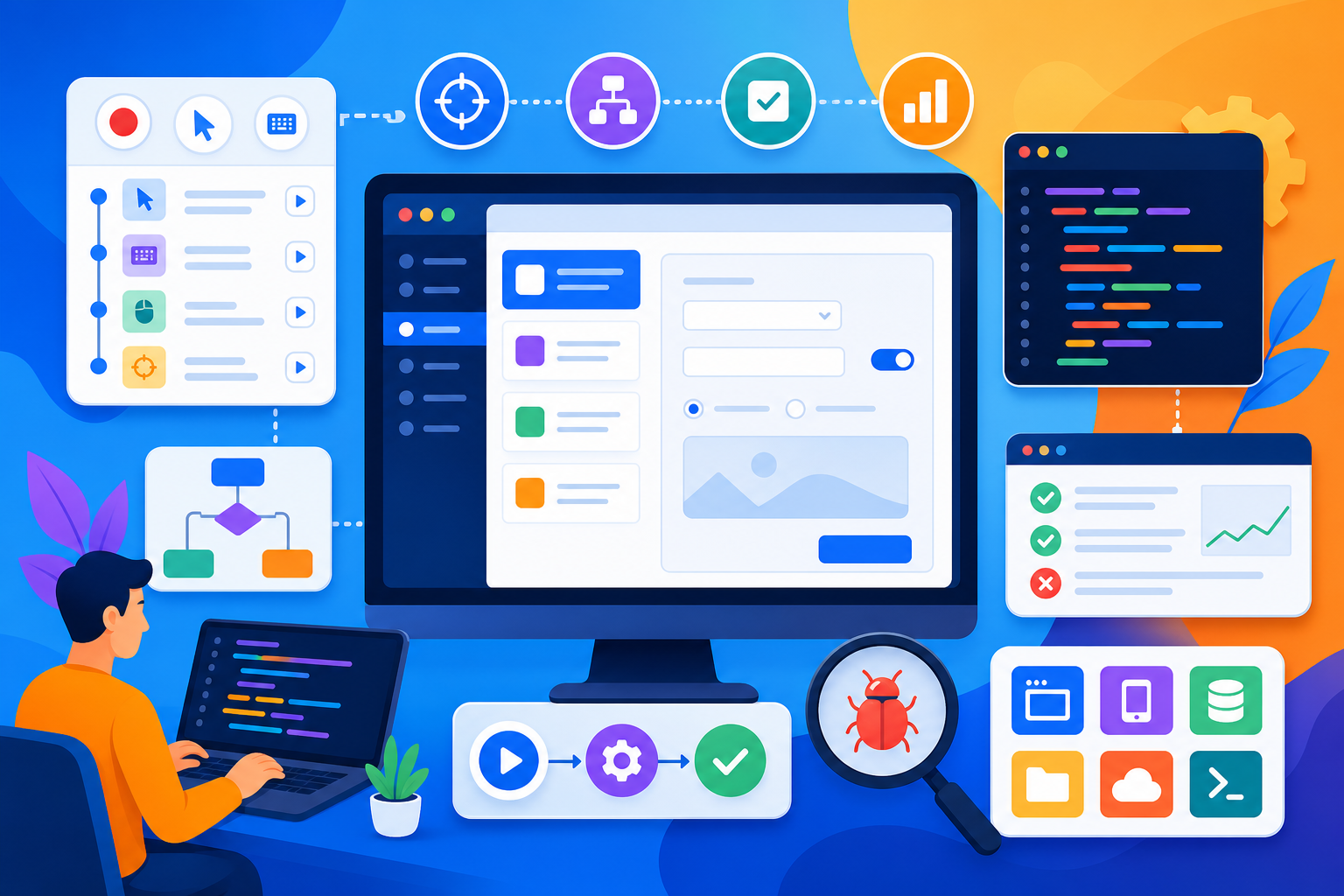
- Coded UI roles require Visual Studio framework design, robust control maps, and data-driven suites — not recorded playback scripts alone.
- Expect 14 core modules plus a phased real-time desktop or web automation project with mentor reviews.
- C# fundamentals and basic .NET awareness should precede Module 1 for smoother progress.
- Book a free Asmorix demo to map this Coded UI course syllabus to .NET QA or SDET career paths in Chennai.
This Coded UI course syllabus guides learners from Visual Studio test project setup through control identification, data-driven execution, framework design, and TFS integration — with a real-time automation project focus. Use before Coded UI Training in Chennai. Related: Dot Net Course Syllabus, Selenium Course Syllabus, Playwright Course Syllabus.
Complete Coded UI training requires hand-coded framework design, resilient control maps, data-driven patterns, and CI integration — not fragile recorded playback scripts alone.
Quick Overview
| Item | Details |
|---|---|
| Course focus | Microsoft Coded UI automation with Visual Studio for desktop and web applications |
| Modules | 14 core modules + Module 15 real-time project guidance |
| Level | Intermediate QA automation (C# and Visual Studio prerequisites) |
| Who it is for | Manual testers on .NET projects, SDET aspirants, and developers adding UI test coverage |
| Key outcomes | Build maintainable Coded UI suites with data-driven tests and pipeline integration |
| Training options | Classroom and live online batches in Chennai with placement support |
Who Should Follow This Coded UI Syllabus?
Best after basic C# and Visual Studio familiarity. Dot Net syllabus graduates and manual testers on Microsoft stacks progress smoothly. Learners targeting modern stacks should pair this with Playwright or Selenium syllabus modules for career flexibility.
Module 1: Test Automation Landscape & Coded UI Overview
- Manual versus automated testing ROI in enterprise .NET delivery cycles
- Coded UI Test Builder versus hand-coded test method strategies
- Visual Studio Editions and Test Explorer workflow overview
- Supported application types: WinForms, WPF, Silverlight legacy, and web
- Coded UI deprecation context and migration paths to Playwright
- SDET career expectations for Microsoft-centric QA teams
- Mentor review: discuss test automation landscape coded ui overview trade-offs in mock interviews and code reviews
- Lab environment setup: Visual Studio, test agents, and sample applications
Module 2: Visual Studio Test Project Setup & Structure
- Creating Unit Test Project with Coded UI references
- Project folder structure for pages, utilities, and test data
- App.config settings for application under test URLs and paths
- NuGet package management for test dependencies
- Test categories and traits for smoke versus regression tagging
- Assembly cleanup and test initialization patterns
- Mentor review: discuss visual studio test project setup structure trade-offs in mock interviews and code reviews
- Lab: scaffold solution with base test class and configuration management
Module 3: Coded UI Control Identification & Search Properties
- UITestControl hierarchy and control type taxonomy
- SearchProperties, FilterProperties, and WindowTitles configuration
- Smart identification versus fragile absolute property matching
- Crosshair tool and Coded UI Test Builder for control capture
- Handling dynamic IDs and partial match search property strategies
- Control playback and WaitForControlExist timeout tuning
- Mentor review: discuss coded ui control identification search properties trade-offs in mock interviews and code reviews
- Lab: map controls for multi-window desktop application with dynamic elements
Module 4: Writing & Organizing Coded UI Test Methods
- TestMethod attributes, assertions, and meaningful test naming
- UITestControl.Click, DoubleClick, and keyboard input methods
- Mouse hover, drag-drop, and menu navigation patterns
- Verification methods: Assert.AreEqual on control properties
- Test cleanup with application restart between test methods
- Grouping related tests into ordered test sequences
- Mentor review: discuss writing organizing coded ui test methods trade-offs in mock interviews and code reviews
- Lab: automate login, navigation, and form submission user journey
Module 5: Handling Complex UI Controls & Synchronization
- ComboBox, ListBox, DataGrid, and TreeView interaction patterns
- DatePicker, slider, and custom control extension strategies
- Playback settings: WaitForReadyLevel and ThinkTime configuration
- Retry loops for flaky control detection scenarios
- Modal dialog and popup window handling across processes
- Screenshot capture on failure for defect documentation
- Mentor review: discuss handling complex ui controls synchronization trade-offs in mock interviews and code reviews
- Lab: automate data grid filtering, sorting, and export workflow
Module 6: Data-Driven Testing with Coded UI
- DataSource attribute binding to CSV, XML, and Excel files
- TestContext.DataRow access for parameterized test iterations
- External test data repository design for environment-specific runs
- Data cleanup and test isolation between iterations
- Combining data-driven tests with Page Object Model classes
- Reporting data-driven results with iteration-level detail
- Mentor review: discuss data-driven testing with coded ui trade-offs in mock interviews and code reviews
- Lab: execute order entry tests across multiple customer profiles from Excel
Module 7: Page Object Model & Framework Design for Coded UI
- Page class encapsulation of controls and action methods
- Base page inheritance for shared navigation and login flows
- Utility classes for logging, screenshots, and configuration readers
- Hybrid framework combining keyword and data-driven layers
- Reducing duplication with reusable control wrapper methods
- Framework scalability for large enterprise application suites
- Mentor review: discuss page object model framework design for coded ui trade-offs in mock interviews and code reviews
- Lab: refactor recorded tests into Page Object Model framework structure
Module 8: Cross-Browser Web Testing with Coded UI
- BrowserWindow launch configuration for IE, Edge, and Chrome legacy
- Handling browser-specific rendering and timing differences
- JavaScript alert, confirm, and prompt dialog automation
- IFrame and nested frame navigation for web applications
- Cookie and session management across test methods
- Headless execution limitations and workarounds in Coded UI web
- Mentor review: discuss cross-browser web testing with coded ui trade-offs in mock interviews and code reviews
- Lab: cross-browser smoke suite for responsive web application
Module 9: API & Database Validation Integration
- Combining UI tests with REST API validation for backend state
- HttpClient calls from test methods for setup and teardown
- SQL Server queries for pre/post condition database verification
- Test data seeding via API before UI workflow execution
- Mocking external service dependencies for isolated UI testing
- End-to-end traceability from UI action to database record
- Mentor review: discuss api database validation integration trade-offs in mock interviews and code reviews
- Lab: UI checkout flow validated against API order status and DB row
Module 10: Reporting, Logging & Defect Management
- Test run results in Visual Studio Test Explorer and TRX files
- Custom logging with log4net or NLog in test frameworks
- Screenshot and video capture integration on test failure
- Linking failed tests to Azure DevOps work items and bugs
- Historical trend analysis of test pass rates across builds
- Stakeholder-friendly summary reports for sprint reviews
- Mentor review: discuss reporting, logging defect management trade-offs in mock interviews and code reviews
- Lab: configure failure artifacts and automated bug filing workflow
Module 11: Team Foundation Server & Azure DevOps Integration
- Associating Coded UI tests with test plans and test suites
- Running automated tests in Azure DevOps build pipelines
- Test agent deployment on build machines and lab environments
- Parallel test execution with Visual Studio Test Controller
- Publishing code coverage and test impact analysis results
- Release pipeline gates based on automation pass thresholds
- Mentor review: discuss team foundation server azure devops integration trade-offs in mock interviews and code reviews
- Lab: integrate Coded UI suite into CI pipeline with nightly regression
Module 12: Maintenance, Refactoring & Migration Strategies
- Identifying brittle tests and refactoring control search properties
- Version control branching strategy for test code with Git or TFVC
- Code review practices for automation pull requests
- Migrating Coded UI tests to Playwright or Selenium overview
- Cost-benefit analysis for legacy suite maintenance versus rewrite
- Documentation standards for framework onboarding new team members
- Mentor review: discuss maintenance, refactoring migration strategies trade-offs in mock interviews and code reviews
- Lab: refactor failing tests and produce migration assessment document
Module 13: Performance & Load Awareness for UI Automation
- Test execution time optimization and parallelization strategies
- Resource cleanup to prevent memory leaks in long regression runs
- Selecting smoke versus full regression suites for pipeline speed
- Integration with load testing tools for combined performance validation
- Monitoring test environment stability during automation runs
- Capacity planning for test agent infrastructure
- Mentor review: discuss performance load awareness for ui automation trade-offs in mock interviews and code reviews
- Lab: optimize suite runtime and define tiered execution strategy
Module 14: Coded UI Portfolio, Interview Prep & Career Paths
- Common interview questions on control identification and framework design
- Demonstrating maintainable automation in portfolio GitHub repositories
- Resume bullets quantifying test coverage and defect detection impact
- Certification paths: MTA, Azure DevOps, and ISTQB alignment
- Career transitions from Coded UI maintenance to modern Playwright SDET
- Capstone demo rehearsal and mock technical interview walkthrough
- Mentor review: discuss coded ui portfolio, interview prep career paths trade-offs in mock interviews and code reviews
- Lab: present automation framework architecture to mentor panel
Module 15: Real-Time Project
Capstone builds a maintainable Coded UI automation framework for an enterprise desktop or web application — with Page Object structure, data-driven tests, reporting, and Azure DevOps pipeline integration used in placement-oriented Coded UI training.
- Page Object Model framework with reusable control wrappers and utilities
- Data-driven test suite covering critical business workflows
- Azure DevOps pipeline integration with failure screenshots and reporting
Phase 1
- Application analysis, control map documentation, and framework scaffold
- Core smoke tests for login, navigation, and primary workflows
- Configuration management for multiple test environments
Phase 2
- Data-driven regression suite with Excel or CSV test data
- API and database validation layer for end-to-end checks
- Custom reporting with screenshots on failure
Phase 3
- CI pipeline integration with scheduled regression runs
- Refactoring pass for maintainability and documentation
- Demo walkthrough and SDET interview question practice
How to Use This Syllabus
Confirm C# basics and Visual Studio access before enrolling. Visit Coded UI Training in Chennai with Placement.
Related Courses & Syllabus Guides
Frequently Asked Questions
What does the Coded UI course syllabus cover?
It covers Visual Studio test project setup, Coded UI control identification and search properties, assertion methods, data-driven testing with CSV and Excel, Page Object Model adaptation for Coded UI, cross-browser web testing, hand-coded versus recorded test strategies, Team Foundation Server integration, reporting, and an enterprise automation capstone project.
How many modules are in this Coded UI syllabus?
This reference plan has 14 core modules plus Module 15 as a phased real-time project. Coded UI is a legacy Microsoft stack, so modules also cover migration awareness toward Playwright and Selenium.
Do I need C# programming experience to learn Coded UI?
Yes. Basic C# syntax, classes, and Visual Studio navigation are prerequisites. Learners without programming should complete a C# fundamentals module or Dot Net syllabus basics first.
Is Coded UI still relevant for QA automation careers?
Many enterprise .NET teams maintain Coded UI suites, so maintenance skills remain valuable. This syllabus also orients learners toward modern Playwright and Selenium migration paths.
Does this syllabus cover data-driven testing with Coded UI?
Yes. DataSource attributes, CSV and Excel data binding, and parameterized test methods are covered with hands-on labs for reusable test data management.
What projects should be part of Coded UI training?
A maintainable automation suite for a WinForms, WPF, or web application with Page Object structure, data-driven execution, and TFS build integration is a strong capstone.
Is Team Foundation Server integration included in the Coded UI syllabus?
Yes. Associating tests with work items, running suites in Azure DevOps pipelines, and publishing test results are covered as enterprise deployment patterns.
Where can I join Coded UI training in Chennai?
Asmorix offers mentor-led Coded UI and .NET automation training with placement support. Book a free demo to match this syllabus to your Visual Studio and QA background in Chennai.
