
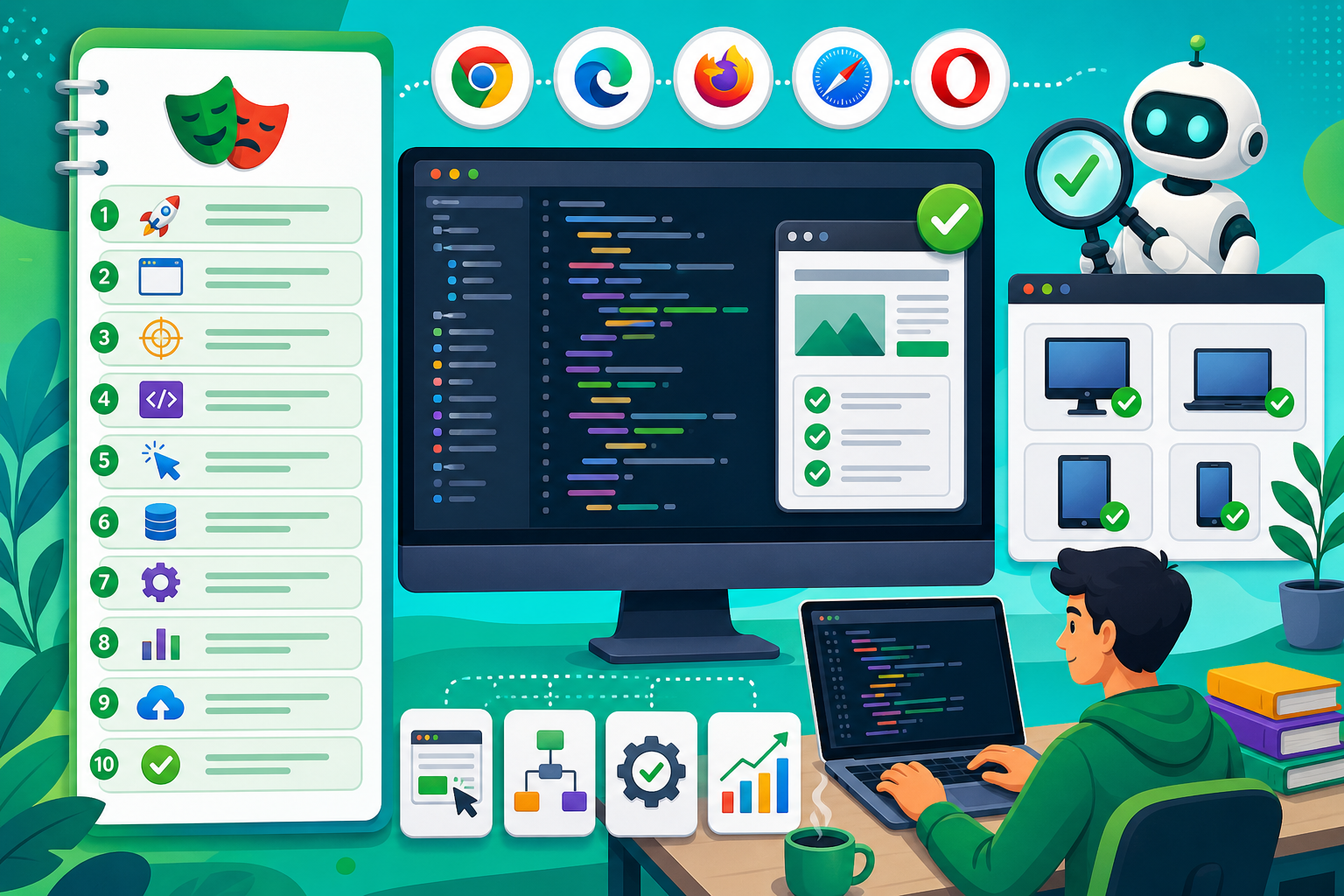
- Playwright SDET roles require resilient locators, Page Object frameworks, and CI pipelines — not basic recorded scripts alone.
- Expect 14 core modules plus a phased real-time web automation project with mentor framework reviews.
- JavaScript or TypeScript fundamentals and basic testing concepts should precede Module 1.
- Book a free Asmorix demo to map this Playwright course syllabus to modern QA automation careers in Chennai.
This Playwright course syllabus guides learners from cross-browser setup through resilient locators, Page Object frameworks, API testing, visual regression, and CI/CD integration — with a real-time automation project. Use before Playwright Training in Chennai. Related: Selenium Course Syllabus, Software Testing Course Syllabus, Rest Assured Course Syllabus.
Job-ready Playwright training requires framework design, resilient locators, parallel CI execution, and combined UI/API test layers — not fragile selector scripts alone.
Quick Overview
| Item | Details |
|---|---|
| Course focus | Modern cross-browser web automation with Playwright and TypeScript |
| Modules | 14 core modules + Module 15 real-time project guidance |
| Level | Beginner to job-ready SDET (programming prerequisites recommended) |
| Who it is for | Manual testers upskilling, QA engineers, and developers adding test automation |
| Key outcomes | Build maintainable Playwright frameworks with CI/CD and cross-browser coverage |
| Training options | Classroom and live online batches in Chennai with placement support |
Who Should Follow This Playwright Syllabus?
Best after JavaScript or TypeScript basics and software testing fundamentals. Selenium syllabus graduates migrate efficiently to Playwright auto-waiting patterns. Full stack developers use Playwright for end-to-end testing of their own applications.
Module 1: Test Automation Fundamentals & Playwright Overview
- Manual versus automation testing ROI and testing pyramid concepts
- Playwright versus Selenium, Cypress, and legacy tool comparisons
- Supported browsers: Chromium, Firefox, WebKit engine coverage
- Playwright Test runner versus other test framework integrations
- SDET career expectations and portfolio requirements in 2026 hiring
- Installation: Node.js, Playwright CLI, and browser binary download
- Mentor review: discuss test automation fundamentals playwright overview trade-offs in mock interviews and code reviews
- Lab: initialize Playwright project with TypeScript and run first test
Module 2: Playwright Test Runner & Project Configuration
- playwright.config.ts: projects, timeouts, retries, and reporters
- Test directory structure and naming conventions for scalability
- Fixtures for browser, context, and page lifecycle management
- Global setup and teardown for authentication state reuse
- Environment variables and baseURL configuration per environment
- VS Code Playwright extension for debugging and codegen
- Mentor review: discuss playwright test runner project configuration trade-offs in mock interviews and code reviews
- Lab: configure multi-project setup for chromium, firefox, and webkit
Module 3: Locators, Selectors & Resilient Element Identification
- Role, text, label, placeholder, and test-id locator priorities
- CSS and XPath locators when semantic options are unavailable
- Chaining, filtering, and nth-match locator strategies
- Codegen tool for recording interactions and refining locators
- Avoiding brittle selectors tied to DOM structure changes
- Locator strict mode and debugging with Playwright Inspector
- Mentor review: discuss locators, selectors resilient element identification trade-offs in mock interviews and code reviews
- Lab: refactor fragile CSS selectors to role and test-id based locators
Module 4: Interactions, Assertions & Auto-Waiting Behavior
- Click, fill, select, check, hover, and drag-drop action methods
- Auto-waiting for actionability: visible, stable, enabled, attached
- Web-first assertions: toBeVisible, toHaveText, toHaveURL patterns
- Soft assertions for collecting multiple failures in one test
- Custom expect matchers and polling assertion strategies
- Handling downloads, file uploads, and clipboard interactions
- Mentor review: discuss interactions, assertions auto-waiting behavior trade-offs in mock interviews and code reviews
- Lab: automate multi-step form workflow with comprehensive assertions
Module 5: Handling Dynamic UI, Dialogs & Frames
- JavaScript dialog handlers for alert, confirm, and prompt windows
- IFrame and nested frame navigation with frameLocator API
- Shadow DOM piercing with pierce selector strategies
- Waiting for network responses and DOM mutation stability
- Handling single-page application route transitions
- Cookie, localStorage, and sessionStorage manipulation in tests
- Mentor review: discuss handling dynamic ui, dialogs frames trade-offs in mock interviews and code reviews
- Lab: automate dashboard SPA with modal dialogs and embedded iframe widgets
Module 6: Network Interception, Mocking & API Testing
- page.route for mocking API responses and fault injection
- HAR recording and replay for offline test development
- Playwright request context for standalone REST API test suites
- Combining UI actions with API setup and teardown calls
- Validating network request payloads and response status codes
- GraphQL request interception and response stubbing patterns
- Mentor review: discuss network interception, mocking api testing trade-offs in mock interviews and code reviews
- Lab: UI checkout test with mocked payment API and direct API validation
Module 7: Page Object Model & Test Architecture
- Page class design encapsulating locators and user actions
- Component object pattern for reusable UI widgets
- Base test class with shared fixtures and helper utilities
- Test data management externalized from page objects
- Separation of test logic from page interaction implementation
- Folder structure for pages, tests, fixtures, and utilities
- Mentor review: discuss page object model test architecture trade-offs in mock interviews and code reviews
- Lab: build Page Object Model framework for e-commerce user journeys
Module 8: Fixtures, Authentication & Test State Management
- storageState for reusing authenticated sessions across tests
- Global setup login script saving cookies to auth file
- Multi-user role testing with separate storage state files
- Database seeding and cleanup hooks for test isolation
- Parallel-safe test data generation strategies
- Test dependency management without brittle test ordering
- Mentor review: discuss fixtures, authentication test state management trade-offs in mock interviews and code reviews
- Lab: implement auth fixture supporting admin and customer role tests
Module 9: Parallel Execution, Sharding & Performance
- Fully parallel mode and worker configuration tuning
- Test sharding across CI machines for faster feedback
- Serial mode for tests requiring exclusive resource access
- Retry configuration for flaky test mitigation in CI
- Execution time analysis and suite optimization strategies
- Headless versus headed mode trade-offs in pipeline runs
- Mentor review: discuss parallel execution, sharding performance trade-offs in mock interviews and code reviews
- Lab: configure sharded parallel run completing suite under target SLA
Module 10: Visual Regression & Accessibility Testing
- Screenshot comparison with maxDiffPixels threshold configuration
- Masking dynamic regions: timestamps, ads, and animated elements
- Full page versus element-level visual snapshots
- Baseline update workflow in version control and CI review
- Axe-core integration for automated accessibility violation scans
- WCAG compliance reporting attached to test results
- Mentor review: discuss visual regression accessibility testing trade-offs in mock interviews and code reviews
- Lab: visual regression suite for marketing pages with accessibility checks
Module 11: Trace Viewer, Debugging & Reporting
- Trace on first retry configuration for CI failure diagnosis
- Trace viewer walkthrough: snapshots, network, console, source
- Video recording and screenshot capture on failure settings
- HTML, JSON, JUnit, and Allure reporter integration
- Slack or Teams notification hooks for failed pipeline runs
- Debugging flaky tests with trace comparison across runs
- Mentor review: discuss trace viewer, debugging reporting trade-offs in mock interviews and code reviews
- Lab: diagnose failing test using trace viewer and improve stability
Module 12: CI/CD Integration & Cloud Grid Execution
- GitHub Actions workflow for Playwright test execution
- Jenkins pipeline with artifact upload for traces and reports
- Docker container for consistent CI test environment
- Playwright Azure, BrowserStack, and LambdaTest cloud integration
- Scheduled nightly regression versus PR-triggered smoke suites
- Merge gates requiring green automation before deployment
- Mentor review: discuss ci/cd integration cloud grid execution trade-offs in mock interviews and code reviews
- Lab: complete CI pipeline running sharded tests with published HTML report
Module 13: Mobile Emulation, Component Testing & Advanced Patterns
- Device emulation presets for responsive mobile viewport testing
- Geolocation, timezone, and locale override in browser context
- Component testing with Playwright experimental CT framework
- Multi-tab and multi-context scenarios for complex workflows
- File system and API mocking for isolated component tests
- Integrating Playwright with BDD Cucumber layer overview
- Mentor review: discuss mobile emulation, component testing advanced patterns trade-offs in mock interviews and code reviews
- Lab: mobile emulation test suite and component test for shared widget
Module 14: Playwright Portfolio, Migration & Interview Prep
- Migrating Selenium tests to Playwright strategy and effort estimation
- Common SDET interview questions on locators, waits, and framework design
- Portfolio GitHub repository with README architecture documentation
- Resume bullets quantifying automation coverage and CI reliability
- Capstone demo rehearsal presenting framework to mentor panel
- Certification and community resources: official docs and Discord
- Mentor review: discuss playwright portfolio, migration interview prep trade-offs in mock interviews and code reviews
- Career paths: SDET, QA automation lead, and DevOps-quality engineer
Module 15: Real-Time Project
Capstone builds a Playwright automation framework for a real web application — with Page Object Model, cross-browser parallel runs, API validation, visual checks, and CI pipeline integration used in placement-oriented Playwright training.
- Page Object Model framework with auth fixtures and reusable components
- Cross-browser parallel suite with API mocking and visual regression
- CI pipeline with trace artifacts, HTML reports, and merge gates
Phase 1
- Application analysis, locator strategy document, and framework scaffold
- Smoke tests for login, navigation, and critical user paths
- Auth fixture with storageState for role-based testing
Phase 2
- Regression suite with Page Object Model and data-driven tests
- API validation layer and network mocking for isolated UI tests
- Visual regression baselines for key application screens
Phase 3
- CI/CD pipeline with sharded parallel execution
- Trace and report publishing on failure for debugging
- Demo walkthrough and SDET interview question practice
How to Use This Syllabus
Confirm JavaScript or TypeScript basics before enrolling. Visit Playwright Training in Chennai with Placement.
Related Courses & Syllabus Guides
Frequently Asked Questions
What does the Playwright course syllabus cover?
It covers Playwright installation and project setup, cross-browser testing with Chromium, Firefox, and WebKit, resilient locator strategies, auto-waiting and assertions, Page Object Model framework design, API testing with Playwright request context, visual regression testing, parallel execution, trace viewer debugging, CI/CD integration, and a capstone automation project.
How many modules are in this Playwright syllabus?
This reference plan has 14 core modules plus Module 15 as a phased real-time project. TypeScript is the primary language with JavaScript alternate notes where relevant.
Do I need programming experience to learn Playwright?
Yes. JavaScript or TypeScript basics, async/await, and fundamental testing concepts are prerequisites. Manual testers should complete a programming primer before Module 1.
How is Playwright different from Selenium in this syllabus?
Playwright modules emphasize auto-waiting, built-in trace viewer, network interception, and faster cross-browser execution. Selenium syllabus cross-links are included for teams maintaining legacy suites.
Is API testing with Playwright covered in this syllabus?
Yes. Playwright request context for REST API tests, combining UI and API layers, and mocking network routes are dedicated module topics.
What projects should be part of Playwright training?
A Page Object Model automation framework for a real web application with parallel cross-browser runs, API validation, and Jenkins or GitHub Actions CI integration is a strong capstone.
Is visual regression testing included in the Playwright syllabus?
Yes. Screenshot comparison, masking dynamic regions, and baseline management in CI pipelines are covered for UI stability validation.
Where can I join Playwright training in Chennai?
Asmorix offers mentor-led Playwright automation training with placement support for SDET roles. Book a free demo to match this syllabus to your QA background in Chennai.
