
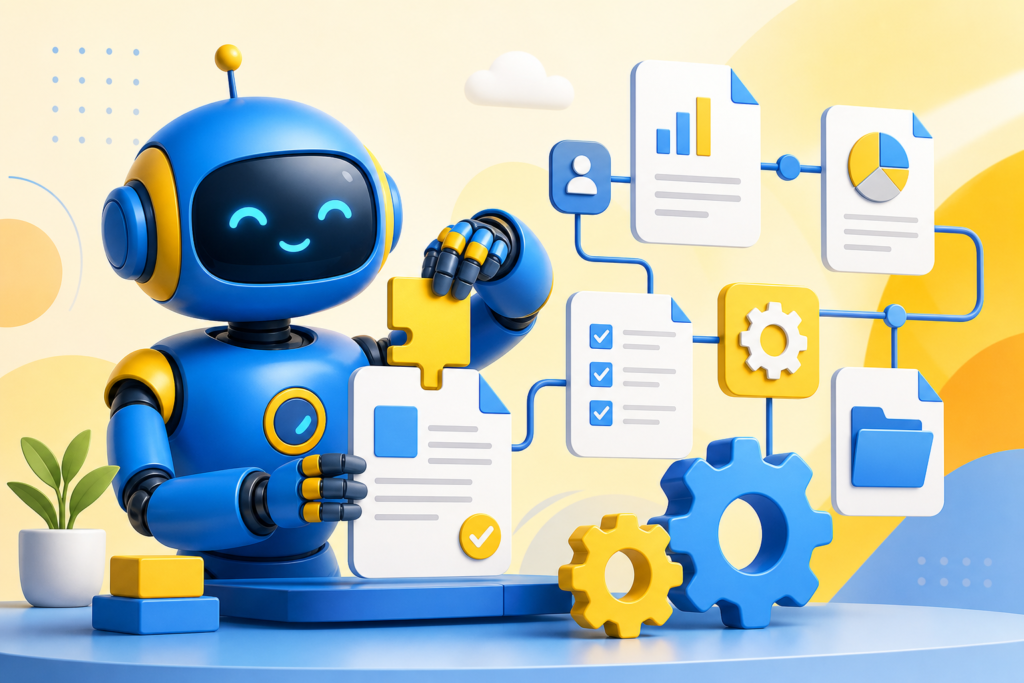
- A strong RPA syllabus sequences UiPath Studio basics before Orchestrator, REFramework, and AI-enabled automation.
- Expect 16 modules: Studio fundamentals, data manipulation, exception handling, Orchestrator, and Document Understanding.
- Job-ready RPA developers need REFramework-based production design, not simple linear recordings.
- Book a free Asmorix demo to match this syllabus to weekday or weekend batches in Chennai.
This RPA course syllabus is a complete module checklist for learners who want to go from UiPath Studio fundamentals to Orchestrator, REFramework, and AI-enabled Document Understanding, with a real-time project focus. Use it to compare institutes, plan self-study, or map labs before you join RPA Training in Chennai. Related paths include Blue Prism Course Syllabus, Selenium Course Syllabus, and API Testing Course Syllabus.
A complete RPA syllabus should cover UiPath Studio fundamentals, exception handling, Orchestrator and work queues, REFramework, and Document Understanding — not simple recorded workflows alone.
Quick Overview
| Item | Details |
|---|---|
| Course focus | UiPath-based RPA from Studio basics to Orchestrator and AI orientation |
| Modules | 16 core modules + real-time project guidance |
| Level | Beginner to job-ready RPA developer |
| Who it is for | Freshers, business process analysts, and professionals targeting RPA developer roles |
| Key outcomes | Design resilient bots with REFramework, deploy through Orchestrator, and automate documents |
| Prerequisites | Basic computer literacy; no prior coding experience required |
| Training options | Classroom and live online batches in Chennai with placement support |
Who Should Follow This RPA Syllabus?
This RPA syllabus suits freshers aiming for automation developer roles, business analysts who understand process workflows, and working professionals moving from manual operations into automation. Absolute beginners can start at Module 1. If you already understand business process mapping, you can move faster into REFramework and Orchestrator.
Module 1: Introduction to RPA
- What RPA is and common business use cases
- RPA versus traditional automation versus AI
- RPA tools landscape: UiPath, Automation Anywhere, Blue Prism
- RPA lifecycle and Center of Excellence concepts
- Career paths for RPA developers
Module 2: UiPath Studio Fundamentals
- UiPath Studio interface overview
- Sequences, flowcharts, and state machines
- Variables and arguments
- Data types in UiPath
- Recording basics: basic, desktop, and web recording
Module 3: UI Automation & Selectors
- Selector fundamentals and anchors
- Handling dynamic UI elements
- UI Explorer for selector editing
- Element exists and find element activities
- Screen scraping and data scraping
Module 4: Data Manipulation
- Working with strings in UiPath
- Data tables and Excel automation
- Collections and arrays
- Loops: For Each, While, Do While
- Conditional activities: If and Switch
Module 5: Excel & PDF Automation
- Excel application scope activities
- Reading and writing Excel ranges
- PDF data extraction techniques
- Working with Word documents
- Email automation with Outlook and SMTP
Module 6: Exception Handling in RPA
- Try-Catch blocks in workflows
- Global exception handling
- Retry scopes and error recovery
- Logging with the Log Message activity
- Robust workflow design principles
A bot that stops on the first unexpected popup is not production-ready. Exception handling and retry design are what separate demo bots from deployable ones.
Module 7: Orchestrator Fundamentals
- UiPath Orchestrator overview
- Publishing and deploying processes
- Queues and transaction items
- Assets and credentials management
- Scheduling jobs and triggers
Module 8: Advanced Orchestrator & Robot Management
- Unattended versus attended robots
- Robot provisioning and licensing
- Monitoring dashboards and alerts
- Modern folders and role-based access
- Queue-based transactional processing patterns
Module 9: REFramework (Robotic Enterprise Framework)
- REFramework structure and states
- Config file management
- Transaction processing lifecycle
- Business versus system exceptions in REFramework
- Building scalable production workflows
Module 10: Citrix & Legacy System Automation
- Citrix automation challenges
- Image and text-based automation
- Computer vision activities
- OCR engine integration
- Handling virtual environments
Module 11: Web Automation & API Integration
- Web scraping with browser activities
- HTTP request activities for API calls
- JSON and XML parsing in UiPath
- Combining UI and API automation
- Handling authentication tokens in workflows
Module 12: AI & Document Understanding
- Introduction to the Document Understanding framework
- Machine learning extractors overview
- Intelligent OCR for unstructured documents
- Classification stations
- AI Center overview for RPA and ML integration
Document Understanding is a fast-growing RPA specialization. Learners who pair RPA with basic AI orientation stand out for invoice and forms processing roles.
Module 13: Automation Anywhere Basics (Alternate Tool)
- Automation Anywhere Control Room overview
- Task Bot creation basics
- Variables and recorder in AA360
- Comparing UiPath and Automation Anywhere
Module 14: Process Discovery & Design
- Process Definition Document (PDD)
- Solution Design Document (SDD)
- Identifying automation candidates with PDD scoring
- ROI calculation for RPA projects
- Change management for RPA adoption
Module 15: Testing & Deployment of RPA Bots
- Unit testing workflows
- Test automation for bots
- Version control with Git integration
- CI/CD for RPA deployment
- Production support and maintenance practices
Module 16: Real-Time Project
Capstone delivery follows a structured project flow used in placement-oriented RPA training.
- Process study and PDD creation
- Workflow design and object breakdown
- Config and asset planning
Phase 1
- REFramework-based bot skeleton
- Excel and PDF automation modules
- Exception handling implementation
Phase 2
- Email automation and notifications
- Queue-based transaction processing
- Logging and reporting setup
Phase 3
- Orchestrator deployment and scheduling
- Monitoring dashboards and alerts
- Demo walkthrough and resume bullet practice
How to Use This Syllabus
Bring this RPA course syllabus to counseling and ask which labs map to each module, which business process you will automate end-to-end, and how many mentor review cycles you get on your REFramework design. Confirm coverage for Orchestrator, exception handling, and Document Understanding before you enroll. For batch timings, fees, and placement-oriented RPA training in Chennai, visit RPA Training in Chennai with Placement.
Related Courses & Syllabus Guides
After RPA, many learners broaden their automation skills with these Asmorix paths:
- RPA Training in Chennai — classroom and live online batches with placement support
- Blue Prism Course Syllabus — alternate enterprise RPA platform
- Selenium Course Syllabus — adjacent test automation skill
- API Testing Course Syllabus — API integration companion skill
Frequently Asked Questions
What does the RPA course syllabus cover?
It covers UiPath Studio fundamentals, selectors, data manipulation, Excel and PDF automation, exception handling, Orchestrator, work queues, REFramework, Document Understanding, and Automation Anywhere basics with a real-time project.
How many modules are in this RPA syllabus?
This reference plan has 16 modules plus a phased real-time project, covering UiPath in depth and an Automation Anywhere overview.
Do I need coding experience for RPA?
Basic logic-building skills help, but RPA tools like UiPath use visual workflows. Data manipulation and exception handling modules introduce enough programming logic for production-grade bots.
What is REFramework and why does it matter?
REFramework, or Robotic Enterprise Framework, is a standard template for building scalable, resilient RPA processes with proper exception handling and transaction management, expected in most production environments.
Is Orchestrator covered in this syllabus?
Yes. Orchestrator fundamentals, work queues, scheduling, assets, and monitoring dashboards are covered as dedicated modules.
What projects should be part of RPA training?
A REFramework-based bot automating Excel, PDF, and email tasks, deployed and monitored through Orchestrator, is a strong capstone project.
Is AI part of the RPA syllabus?
Yes, at an orientation level. Document Understanding and AI Center concepts are introduced to show how RPA combines with machine learning for unstructured document processing.
Where can I join RPA training in Chennai?
Asmorix offers mentor-led RPA training with placement support. Book a free demo to match this syllabus to your background and preferred batch timing.
