
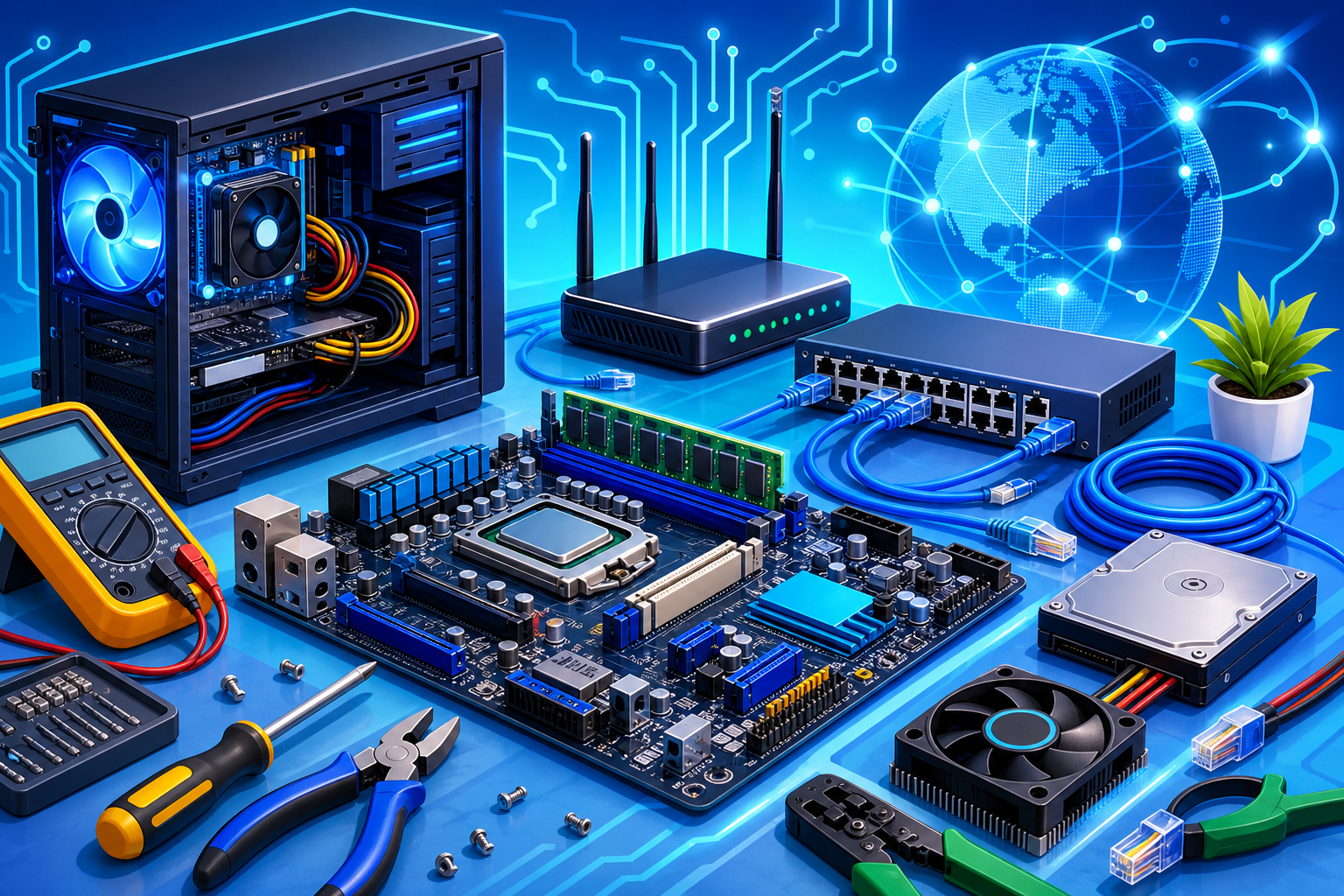
- A strong Hardware & Networking syllabus sequences PC assembly and OS setup before TCP/IP, switching, routing, and wireless security.
- Expect 15 core modules plus a phased real-time project covering a small office network build.
- Job-ready outcomes require subnetting labs, switch VLAN configuration, and troubleshooting — not theory slides alone.
- Book a free Asmorix demo to map this syllabus to weekday or weekend batches in Chennai.
This Hardware & Networking course syllabus is a complete module checklist for learners who want to go from PC hardware assembly and OS installation to LAN/WAN fundamentals, IP addressing, routing, switching, wireless networking, and basic security — with a real-time project focus. Use it to compare institutes, plan self-study, or map labs before you join Hardware & Networking Training in Chennai. Related paths include A+ Course Syllabus, CCNA Course Syllabus, and Microsoft Azure Course Syllabus.
A complete Hardware & Networking syllabus should cover PC components, assembly, BIOS, OS installation, troubleshooting, TCP/IP, subnetting, switching, routing, wireless, and basic network security — not hardware labels alone.
Quick Overview
| Item | Details |
|---|---|
| Course focus | PC hardware, OS setup, and enterprise networking fundamentals for IT support and NOC roles |
| Modules | 15 core modules + real-time project guidance |
| Level | Beginner to job-ready IT support / networking technician |
| Who it is for | Freshers, diploma holders, and career switchers targeting IT support or networking entry roles |
| Key outcomes | Assemble PCs, install OS, troubleshoot hardware/software, configure LAN/WAN, subnet IP networks, and secure basic networks |
| Training options | Classroom and live online batches in Chennai with placement support |
Who Should Follow This Hardware & Networking Syllabus?
This Hardware & Networking syllabus suits freshers aiming for IT support, desktop engineer, or junior network technician roles, diploma graduates entering infrastructure teams, and professionals who need hands-on hardware and networking foundations before CCNA or cloud tracks. Absolute beginners can start at Module 1. If you already know basic computers, you can move faster through assembly into TCP/IP and switching modules.
Module 1: Introduction to Computer Hardware & IT Infrastructure
- Role of hardware and networking in modern IT
- Career paths: desktop support, NOC, field engineer, network technician
- Computer generations and form factors
- Overview of PC components and peripherals
- Safety, ESD, and workshop best practices
- Tools used in hardware labs
- Interview expectations for entry-level IT roles
Module 2: Motherboard, CPU, RAM & Storage Technologies
- Motherboard chipsets, sockets, and expansion slots
- CPU architectures and compatibility checks
- RAM types: DDR generations, dual-channel, capacity planning
- HDD versus SSD versus NVMe storage
- Storage interfaces: SATA, M.2, RAID overview
- POST beep codes and diagnostic indicators
- Choosing components for office versus gaming builds
- Hands-on identification exercises
Module 3: Power Supply, Cooling & PC Assembly Lab
- SMPS wattage, efficiency ratings, and connectors
- Cooling: air versus liquid, thermal paste application
- Step-by-step desktop assembly workflow
- Cable management and airflow planning
- First boot checklist and BIOS entry
- Common assembly mistakes and fixes
- Lab: build a working desktop from components
- Documentation for asset tagging and inventory
Module 4: BIOS/UEFI, Boot Process & Firmware
- BIOS versus UEFI differences
- Boot sequence and boot devices
- CMOS settings, date/time, and password protection
- Secure Boot overview
- Firmware updates and rollback risks
- Virtualization enablement in firmware
- Troubleshooting boot failures
- Interview questions on POST and boot order
Module 5: Operating System Installation & Configuration
- Windows client installation (clean install)
- Partitioning, formatting, and drive letters
- Driver installation and Windows Update
- User accounts, groups, and permissions
- Linux desktop basics for dual-boot awareness
- Activation, licensing, and OEM versus retail keys
- Recovery partitions and factory reset concepts
- Lab: install and configure a client OS end-to-end
Module 6: Software Troubleshooting & Help Desk Skills
- Structured troubleshooting methodology
- Event Viewer, Task Manager, and Resource Monitor
- Blue screen basics and minidump awareness
- Malware symptoms and remediation steps
- Backup strategies: full, incremental, cloud sync
- Remote support tools overview
- Ticketing workflow and SLA basics
- Customer communication for IT support roles
Module 7: Peripherals, Printing & Mobile Device Basics
- Monitors, connectors (HDMI, DisplayPort, USB-C)
- Printer types: inkjet, laser, MFP setup
- Scanner and shared printer configuration
- USB, Bluetooth, and docking station issues
- Smartphone and tablet connectivity for enterprise
- BYOD policy awareness
- Peripheral driver conflicts and resolution
- Lab: configure a network printer
Module 8: Networking Fundamentals & OSI/TCP-IP Model
- Why networks matter in every IT role
- OSI seven-layer model with real examples
- TCP/IP stack and common protocols
- Client-server versus peer-to-peer models
- LAN, MAN, WAN, and internet connectivity types
- Bandwidth, latency, and throughput concepts
- Network topologies: star, mesh, hybrid
- Mapping layers to troubleshooting steps
Module 9: IP Addressing, Subnetting & DHCP
- IPv4 address classes and private ranges
- Subnet masks and CIDR notation
- Subnetting practice for /24, /25, /26 networks
- Default gateway and DNS resolver roles
- DHCP scope, lease, and reservation
- Static versus dynamic IP assignment
- IPv6 introduction and dual-stack awareness
- Lab: design subnets for a small office
Module 10: Cabling, Media & Physical Layer Standards
- UTP categories and cable testing
- Straight-through versus crossover (legacy awareness)
- Fiber optic basics for campus networks
- RJ-45 crimping and punch-down panel labs
- Cable management in racks and patch panels
- T568A/T568B wiring standards
- Fluke tester and link verification
- Documentation: cable labels and port maps
Module 11: Switches, VLANs & LAN Design
- Hub versus switch versus router recap
- MAC address table and frame forwarding
- Managed versus unmanaged switches
- VLAN concepts and trunk ports
- Inter-VLAN routing overview
- Spanning Tree Protocol basics
- Small office LAN design patterns
- Lab: configure VLANs on a managed switch
Module 12: Routing, NAT & WAN Connectivity
- Router roles in enterprise networks
- Static routing versus dynamic routing intro
- Default routes and gateway of last resort
- NAT, PAT, and private-to-public translation
- DSL, fiber, and leased line WAN options
- ISP handoff and CPE devices
- Basic router CLI navigation
- Lab: configure static routes and NAT
Module 13: Wireless Networking & Wi-Fi Security
- 802.11 standards and frequency bands
- SSID, BSSID, and channel planning
- WPA2/WPA3 and enterprise authentication overview
- Access point placement and site survey basics
- Guest Wi-Fi segmentation
- Common Wi-Fi interference issues
- Captive portal and hotspot awareness
- Lab: secure a wireless access point
Module 14: Network Services: DNS, FTP & Remote Access
- DNS hierarchy and record types (A, CNAME, MX)
- Internal DNS for Active Directory awareness
- FTP/SFTP use cases
- Remote Desktop and VPN entry concepts
- Telnet versus SSH (why SSH wins)
- Port numbers interview cheat sheet
- Service troubleshooting with ping and tracert
- Lab: verify DNS resolution end-to-end
Module 15: Network Security, Firewalls & Monitoring
- Threat landscape for SMB networks
- Firewall types: stateful, NGFW overview
- ACL basics on routers and switches
- Antivirus, endpoint protection, and patching
- Social engineering and phishing awareness
- Network monitoring tools: SNMP, syslog intro
- Incident response first steps
- Compliance basics for IT teams
Module 16: Real-Time Project
Capstone delivery follows a structured project flow used in placement-oriented Hardware & Networking training.
- Project requirement analysis
- Module mapping to infrastructure tasks
- Implementing a small office network design
Phase 1
- Site survey and hardware bill of materials
- PC assembly and OS deployment
- Cable plan and patch panel labeling
Phase 2
- IP plan, switch VLAN setup, and router configuration
- DHCP/DNS services and Wi-Fi deployment
- Firewall rules and remote access policy
Phase 3
- Testing, documentation, and handover checklist
- Demo walkthrough and troubleshooting scenarios
- Resume bullet and interview explanation practice
How to Use This Syllabus
Bring this Hardware & Networking course syllabus to counseling and ask which labs map to each module, whether you get rack/switch/router practice, and how many mentor review cycles you get on subnetting and troubleshooting. Confirm coverage for OS install, VLANs, routing, and wireless before you enroll. For batch timings, fees, and placement-oriented training in Chennai, visit Hardware & Networking Training in Chennai with Placement.
Related Courses & Syllabus Guides
After hardware and networking foundations, many learners continue into certification or cloud paths with Asmorix:
- Hardware & Networking Training in Chennai — classroom and live online batches with placement support
- A+ Course Syllabus — CompTIA hardware and OS certification path
- CCNA Course Syllabus — next step into Cisco networking
- Microsoft Azure Course Syllabus — cloud infrastructure career track
- Software Testing Course Syllabus — alternate IT entry path
- IoT Course Syllabus — connected devices and edge networking
Frequently Asked Questions
What does the Hardware & Networking course syllabus cover?
It covers PC components, assembly, BIOS/UEFI, OS installation, troubleshooting, TCP/IP, subnetting, cabling, switching, VLANs, routing, NAT, wireless, DNS/DHCP, security basics, and a real-time small office network project.
How many modules are in this Hardware & Networking syllabus?
This reference plan has 15 core modules plus a phased real-time project. Institutes may combine or split modules depending on batch duration and lab inventory.
Do I need prior IT experience for hardware and networking training?
No prior experience is required. Basic computer familiarity helps you progress faster through assembly and subnetting labs.
Is subnetting included in the syllabus?
Yes. Subnetting with CIDR notation, DHCP scopes, and IP planning for small offices is a core lab topic and common interview area.
What projects should be part of Hardware & Networking training?
A small office network with PC deployment, VLAN segmentation, router configuration, Wi-Fi setup, and documented troubleshooting runbooks is a strong capstone.
Is this Hardware & Networking syllabus suitable for beginners and career switchers?
Yes. The syllabus starts from PC hardware basics and builds toward networking labs, making it accessible to freshers, diploma holders, and career switchers targeting IT support roles.
How does this syllabus relate to A+ or CCNA training?
This syllabus builds practical hardware and networking foundations. A+ aligns to CompTIA certification exams; CCNA goes deeper into Cisco routing and switching.
Where can I join Hardware & Networking training in Chennai?
Asmorix offers mentor-led training with placement support. Book a free demo to match this syllabus to your background and preferred batch timing.
