
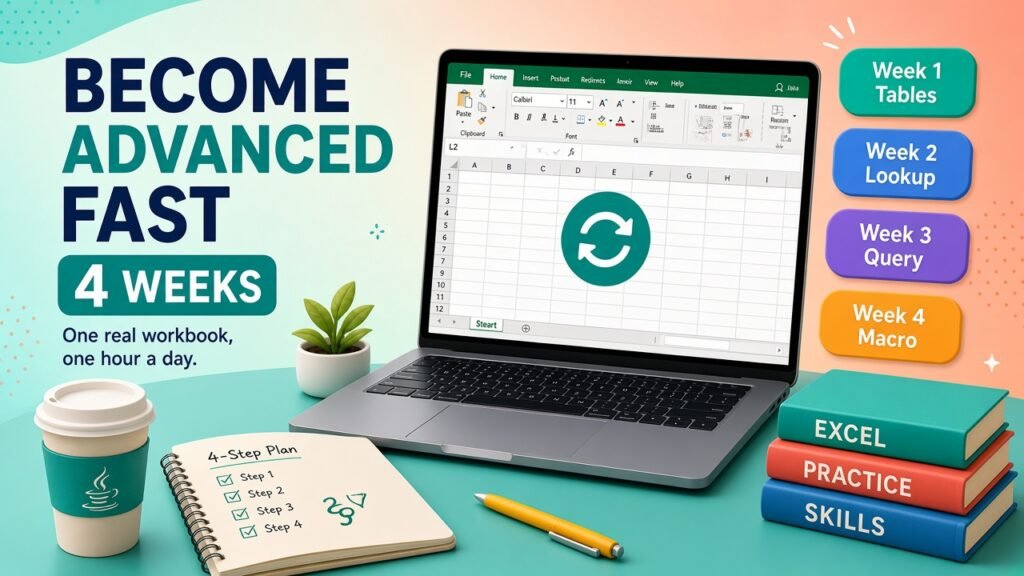
- Quickly means four weeks on one real workbook, not a weekend of videos. Tables, SUMIFS, a lookup, a PivotTable, Power Query, then one macro you can read.
- Use the table of contents to jump to cost tables, variables, and FAQs.
- Talk to Asmorix mentors if you want a course or project plan tailored to your goals.
Short answer: Quickly means weeks on one real workbook, not a weekend of videos. Pick a file you already touch. Turn the data into a Table. Replace pasted totals with formulas. Add one PivotTable. Refresh the ugly cleanup with Power Query. Only then record one macro and edit it until you can explain every line you kept. Four focused weeks beat six months of random tutorials.
Why speed comes from one file
Advanced Excel is a set of habits. Habits stick on a workbook you must finish, because the mistakes are yours. A playlist of forty functions leaves you able to recognise buttons and unable to ship Friday's report. Choose a file with at least a few hundred rows: a sales export, attendance, invoices, or a mark sheet. If the data is confidential, delete names and keep the shape.
Work about an hour a day. Longer sessions help on the weekend, but the daily file is what makes the clicks automatic. The skill list you are aiming at is the skills an advanced user must have. Do not try to finish that whole list on Monday.
Week 1: make the sheet trustworthy
- Remove merged cells from the data area. Put the title above the table, not inside it.
- One header row. One fact per column. No blank rows used as decoration.
- Format the range as a Table.
- Learn absolute and relative references by writing one formula and filling it.
- Write IF, SUMIFS, and a text cleanup you actually need, such as TRIM.
- Prove SUMIFS with a filter. If they disagree, find the row. Do not move on while they disagree.
This week feels slow. It is the week that makes the later weeks fast. Basic versus advanced is mostly this layout, which is spelled out in the difference between MS Excel and Advanced Excel.
Week 2: lookups, dates, and a PivotTable
- Bring a second list in, such as a price or a department name.
- Use XLOOKUP if your Microsoft 365 Excel has it. Use INDEX with MATCH if the office PC is older. Do not guess VLOOKUP's column number on a sheet that will gain columns.
- Count the rows the lookup missed. A silent blank is how reports go wrong.
- Handle dates that arrived as text.
- Build one PivotTable from the Table: one row field, one value, one filter.
- Change the source data, refresh, and watch the PivotTable move. That refresh is the feeling of advanced Excel.
Week 3: stop cleaning by hand
Take the worst repeat in the file. It is usually "delete the top five rows, fix the headers, stack three branches." Build that in Power Query. Refresh it twice, on two different exports, before you trust it. Microsoft's own guide is Power Query for Excel. Follow the clicks there. Use your file as the example, not a toy table of five rows.
Add one chart that answers a single question a manager would ask. Title the chart with the question. If you cannot say the question, delete the chart.
Week 4: one macro you can read
Record the click-path you are tired of. Then open the code and do three edits only:
- Delete the lines that select cells for no reason.
- Make it stop with a clear message if the expected sheet is missing.
- Skip a blank row instead of writing a zero you did not mean.
Save as .xlsm and also keep an .xlsx copy if you need to mail a macro-free version. Do not automate a process you have not already done correctly by hand. The career use of this step is described in the Advanced Excel and VBA career guide. Syntax checks belong in Microsoft's VBA getting-started guide.
Rules that save time every week
- Keyboard shortcuts for copy, paste values, and fill-down. Mouse-only work has a ceiling.
- Never hard-code a total you could formula.
- Write a source note: file name, date, and who sent it.
- If a formula is too clever to explain, split it into helper columns. Clever is slow when it breaks.
- You do not need deep maths for this plan. That worry is answered in can you learn Advanced Excel without maths.
If you want a trainer to review the file instead of guessing, use Advanced Excel training in Chennai. A class does not replace the four weeks of your own file. It shortens the wrong turns.
Official references
- Excel help when a function result surprises you.
- Power Query for Excel for the refresh steps in week 3.
