
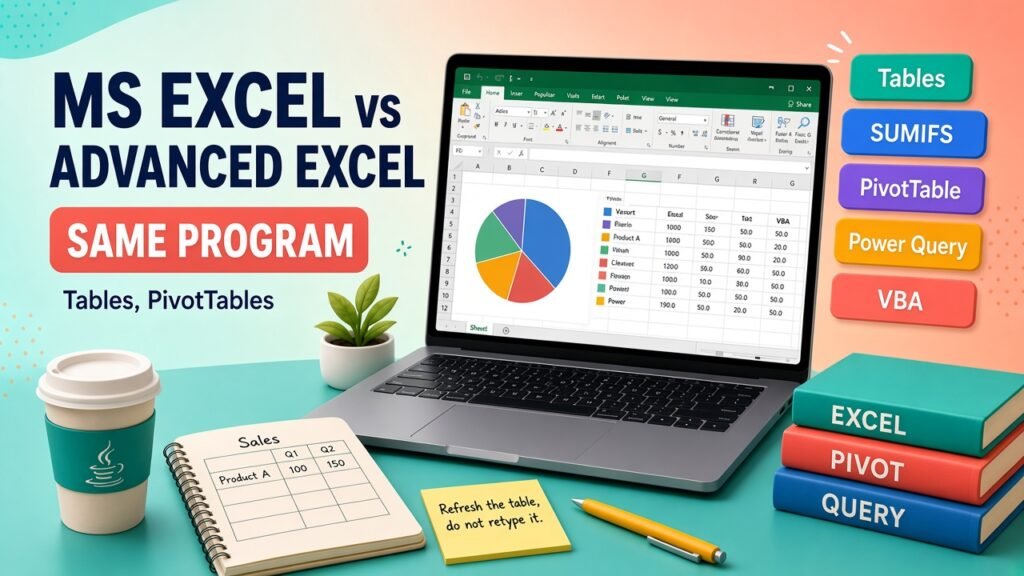
- Advanced Excel is not a second Microsoft product. It is Excel used with tables, lookups, PivotTables, Power Query, and macros instead of one-off typing.
- Use the table of contents to jump to cost tables, variables, and FAQs.
- Talk to Asmorix mentors if you want a course or project plan tailored to your goals.
Short answer: MS Excel is the program. Advanced Excel is not a second product Microsoft sells beside it. It is the same Excel, used so a report can be refreshed instead of rebuilt. A basic user types numbers, applies colour, and writes SUM. An advanced user stores data in a proper table, pulls answers with lookups and PivotTables, cleans files with Power Query, and uses a macro only when the click is still too slow.
What people mean by MS Excel
MS Excel is Microsoft's spreadsheet. You open a grid, type in cells, and save a workbook. School practicals, shop inventories, and first-job trackers all start here. The official behaviour of the product is documented in Excel help. Nothing on this page replaces that.
In hiring ads, "MS Excel" often means the everyday layer:
- Enter and edit data without breaking the sheet.
- Format a readable range: number formats, dates, a simple chart.
- SUM, AVERAGE, COUNT, and a basic IF.
- Sort, filter, and print or export to PDF.
- Freeze panes so headers stay visible.
That layer is real skill. It is also the layer almost every graduate now claims. A sheet that only works because someone retypes it each Monday is basic Excel, even if the colours look polished.
What people mean by Advanced Excel
Advanced Excel is a job-market name for the harder half of the same program. Trainers and MIS teams use it for work that survives a new month of data. The usual set is:
- Excel Tables, so formulas and PivotTables grow when rows are added.
- Conditional formulas: SUMIFS, COUNTIFS, AVERAGEIFS, IF, IFS, and AND or OR.
- Lookups: XLOOKUP where the Microsoft 365 build has it, or INDEX with MATCH on older office PCs.
- PivotTables and PivotCharts for a summary a manager can filter.
- Power Query, to clean and append files without copy-paste.
- Data validation, named ranges used sparingly, and protection of formula cells.
- Charts chosen for the question, not for decoration.
- VBA or Office Scripts when a checked procedure must run the same way every time.
A person can be "advanced" for an MIS role and still not write VBA. Another person maintains a ten-year macro workbook and is advanced in a different direction. The label is about the outcome: the next user can drop in a new export and trust the result.
Basic differences, side by side
| Question | Basic MS Excel | Advanced Excel |
|---|---|---|
| What is it? | The spreadsheet application | A working standard inside that application |
| How data is stored | Loose ranges, merged titles, blank rows | One table, one header row, one fact per column |
| How a total is made | SUM on a painted range, then edit the range next month | SUMIFS or a PivotTable on a table that grows |
| How two lists meet | Someone scans with their eyes, or uses a fragile VLOOKUP they cannot repair | A lookup with a stated match mode, checked against a count of misses |
| How a new file arrives | Copy, paste, fix colours | Power Query refresh, or a macro that only does the dull steps |
| How a mistake is found | After the manager asks | A check total, a miss-count, and a note of the source file |
If your workbook needs a fresh paint job every time the export changes, you are still on the basic side of that table. The formulas can be long and the work can still be basic.
What does not change
The file format does not change. Colleagues who only have Excel can open the workbook. A PivotTable is not a new language. Power Query stores steps inside the workbook. VBA lives in the same file, in the macro-enabled .xlsm type, which some mail servers block. That last point matters: an advanced file that nobody can open is a failed hand-off, not a clever one.
Advanced Excel also does not replace a database. A workbook that has become the company's only customer list is a risk. The advanced move is sometimes to stop adding columns and to send the shaped table to Power BI or a proper store. Excel remains the place analysts prepare and explain numbers.
How to tell which level you are at
Open the last report you sent. Ask four questions.
- If someone pastes 200 new rows under the data, do the totals include them without an edit?
- Can you find every row that failed a lookup, not only the first match?
- Can you rebuild last month's summary from the source file in minutes?
- Can a teammate follow the sheet without calling you?
Four yes answers are advanced practice. One yes answer is a start. Zero is normal for people who were only taught formatting. The next article, skills you need to become an advanced Excel user, lists the set worth practising. A short path is in how to become an advanced Excel user quickly.
Asmorix teaches this path in class in Advanced Excel training in Chennai. Pay context for the roles that ask for it sits in the Advanced Excel salary guide, which is a planning page, not a quote you should invent in an interview.
Official references
- Excel help for how the product actually behaves.
- Power Query for Excel for refreshable cleanup.
