
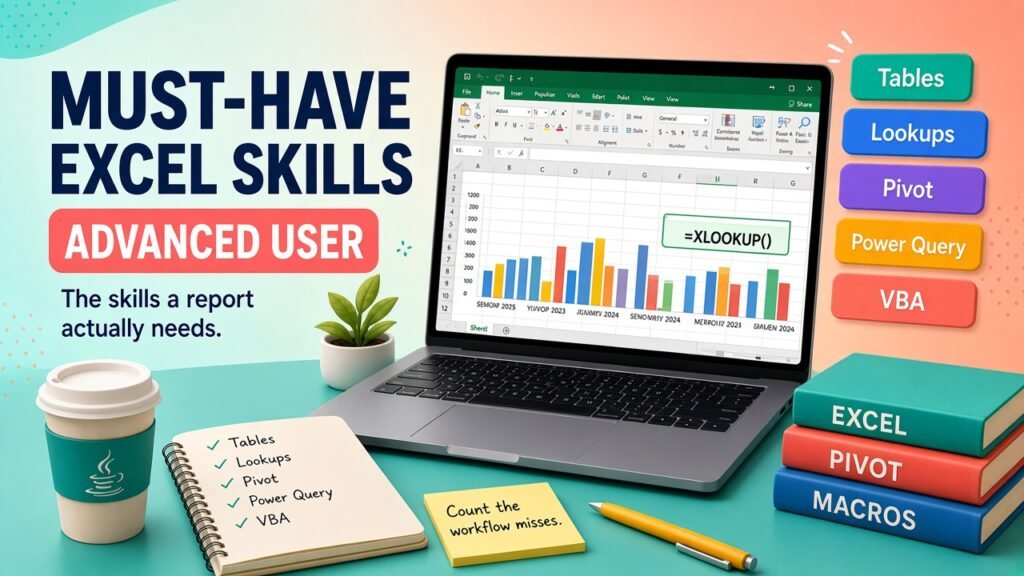
- An advanced Excel user can refresh a report: clean tables, conditional totals, lookups, PivotTables, Power Query, and a macro they can explain. Formatting is not the skill.
- Use the table of contents to jump to cost tables, variables, and FAQs.
- Talk to Asmorix mentors if you want a course or project plan tailored to your goals.
Short answer: An advanced Excel user can hand over a report that refreshes. The skills you cannot skip are a clean table, conditional totals, a lookup you can audit, PivotTables, one refresh tool such as Power Query, charts you can defend, and enough VBA to stop repeating a long chore. You also need the habit of checking a total against the source. Fancy formatting is optional. These skills are not.
1. Data layout
This is the skill people skip because it does not look like a function. One header row. One fact per column. No merged cells in the data. No colour used as the only meaning. Dates stored as dates. Codes stored as codes, not as a sentence in the same cell. If the layout is wrong, every later skill breaks. The basic difference between MS Excel and Advanced Excel starts here.
2. Formulas you can explain
You need a small set you can say as a sentence:
- Relative and absolute references, so a fill-down does not point at the wrong cell.
- IF and IFS for a label or a status.
- SUMIFS, COUNTIFS, and AVERAGEIFS for totals with conditions.
- TRIM, TEXT, and LEFT or RIGHT when an export is messy.
- Date differences, and the knowledge that a date can hide inside text.
You do not need the whole function library. You need to notice when a formula returns a number that the filter disagrees with. School arithmetic is enough for this set. More maths is a separate choice, covered in learning Advanced Excel without mathematical knowledge.
3. Lookups
You must bring a value from another table without typing it. Prefer XLOOKUP on Microsoft 365. Use INDEX and MATCH when you need a compatible file. Know what happens when the code is missing, and count those misses. A lookup that quietly returns the wrong neighbour is worse than a blank you can see. VLOOKUP's column index is a common way to ship the wrong neighbour after someone inserts a column. Treat that as a reason to switch, not as a tradition to defend.
4. PivotTables
A PivotTable is how you answer "by branch, by month, by status" without writing twelve formulas. You should be able to change the value from sum to count, filter a field, refresh after new rows, and explain why a PivotTable total might exclude a blank. If you rebuild the same summary with SUMIFS and with a PivotTable, you understand both.
5. Power Query
Power Query is the skill that makes "advanced" visible to a manager: new file, same steps, refresh. You should be able to remove junk rows, set types, split a column, append monthly files, and load the result to a Table. Keep the steps boring and named in your head so you can redo them. This is the week-three habit in how to become an advanced Excel user quickly.
6. Charts, validation, and protection
Choose a column chart for categories, a line for time, and a bar when the labels are long. Do not use a pie for ten slices. Format currency and percentages so a reader does not count zeros. Use data validation where people type a code. Lock formula cells if colleagues type over them. These are small skills, and they are how a correct model stays correct.
7. Enough VBA to be useful
Record a macro. Read it. Remove needless selections. Skip blanks. Stop if the sheet you expected is absent. Save a macro-free copy when you must email one. That is the must-have level. A career built on maintaining those tools is described in the Advanced Excel and VBA career guide. Confirm language details in Microsoft's VBA documentation rather than from memory in an interview.
8. Checking and handing off
The last must-have skill is not a button. Before you send a file, match a grand total to the source, list the exceptions, and write where the data came from. Name the file with a date. A teammate should open it on Monday and know which cell not to type in. Advanced users are trusted because the next person does not have to call them for the total.
Practise the set on one workbook, in the order above. A classroom review of that workbook is what Advanced Excel training in Chennai is for. When the report outgrows a single file, the same table is the start of Power BI.
Official references
- Excel help for functions and PivotTables.
- Power Query for Excel for the refresh steps.
- Getting started with VBA for the macro you can read.
