
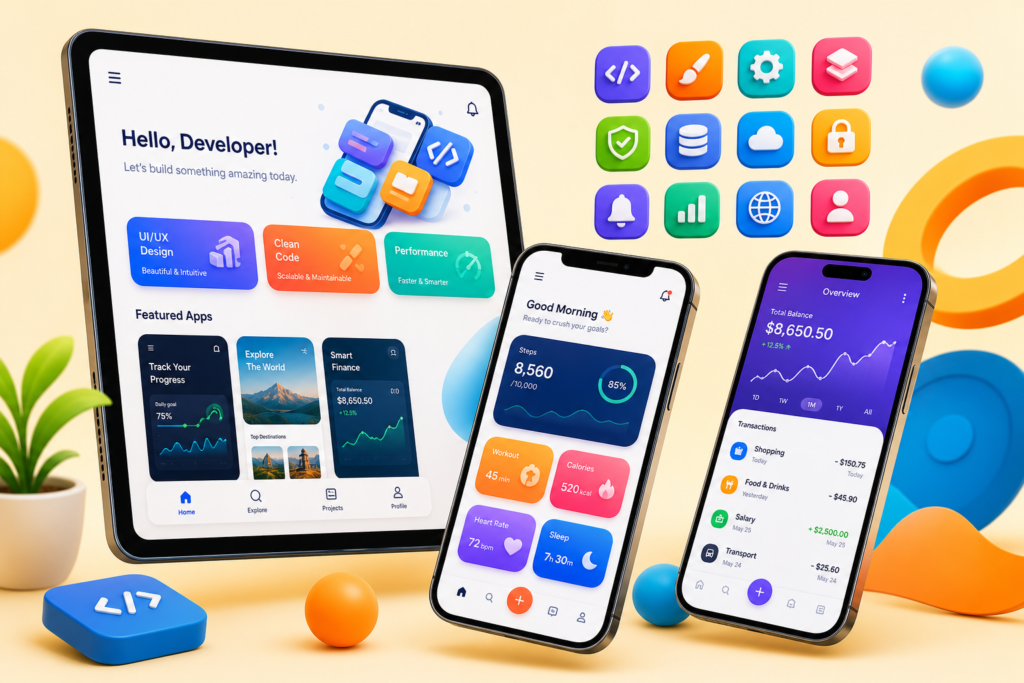
- A strong Mobile App Development syllabus sequences native Android fundamentals before cross-platform Flutter and iOS orientation.
- Expect 17 modules: Kotlin, Android UI, architecture components, networking, Flutter, and app store deployment.
- Hiring rewards one polished, published app more than several unfinished tutorial clones.
- Book a free Asmorix demo to match this syllabus to weekday or weekend batches in Chennai.
This Mobile App Development course syllabus is a complete module checklist for learners who want to go from native Android fundamentals to Firebase integration, iOS orientation, and Flutter cross-platform development, with a real-time project focus. Use it to compare institutes, plan self-study, or map labs before you join Android Training in Chennai. Related paths include Android Course Syllabus, Java Course Syllabus, and Software Testing Course Syllabus.
A complete Mobile App Development syllabus should cover native Android UI and architecture, local storage, networking, Firebase, and at least one cross-platform framework — not one platform in isolation.
Quick Overview
| Item | Details |
|---|---|
| Course focus | Native Android with Kotlin, plus iOS orientation and Flutter cross-platform skills |
| Modules | 17 core modules + real-time project guidance |
| Level | Beginner to job-ready mobile developer |
| Who it is for | Freshers, career switchers, and professionals targeting mobile developer roles |
| Key outcomes | Build, test, and publish Android apps; understand iOS and Flutter fundamentals |
| Prerequisites | Basic programming logic is helpful; Kotlin is taught from fundamentals |
| Training options | Classroom and live online batches in Chennai with placement support |
Who Should Follow This Mobile App Development Syllabus?
This syllabus suits freshers aiming for mobile developer roles, web developers expanding into mobile, and working professionals who want cross-platform exposure alongside native Android depth. Absolute beginners can start at Module 1. If you already know Java or Kotlin basics, you can move faster into architecture components and Flutter.
Module 1: Introduction to Mobile App Development
- Native versus hybrid versus cross-platform approaches
- Mobile OS landscape: Android versus iOS
- Setting up Android Studio
- App lifecycle overview
- Career paths for mobile developers
Module 2: Kotlin Fundamentals for Android
- Kotlin syntax basics versus Java
- Variables and null safety in Kotlin
- Functions and lambda expressions
- OOP concepts applied to Android
- Collections in Kotlin
Module 3: Android UI Fundamentals
- Activity and layout basics with XML
- Views and ViewGroups
- ConstraintLayout deep dive
- RecyclerView and adapters
- Fragments and fragment lifecycle
Module 4: Activity & Fragment Lifecycle
- Activity lifecycle callbacks
- Handling configuration changes
- Intents: explicit versus implicit
- Passing data between activities
- Back stack management
Module 5: Data Storage in Android
- SharedPreferences for simple data
- SQLite database basics
- Room persistence library
- Internal versus external file storage
- ContentProviders overview
Module 6: Networking in Android
- Retrofit for REST API calls
- JSON parsing with Gson or Moshi
- Handling network errors and retries
- Coroutines for asynchronous networking
- Caching API responses
Module 7: Android Architecture Components
- MVVM architecture pattern
- ViewModel and LiveData
- Data Binding basics
- Navigation component
- WorkManager for background tasks
Interviewers often ask why MVVM is preferred over putting logic directly in Activities. Practice explaining testability and lifecycle safety, not just the acronym.
Module 8: Advanced Android Concepts
- Coroutines and Flow in depth
- Dependency injection with Hilt
- Multi-module app structure
- Custom views and canvas drawing
- Push notifications with Firebase Cloud Messaging
Module 9: Jetpack Compose Fundamentals
- Declarative UI fundamentals
- Composable functions and state management
- Layouts in Compose
- Navigation in Compose
- Migrating XML views to Compose
Module 10: iOS Development Basics with Swift
- Swift language fundamentals
- UIKit basics: views and view controllers
- Auto Layout fundamentals
- SwiftUI introduction
- Data persistence in iOS: UserDefaults and Core Data overview
Module 11: Cross-Platform Development with Flutter
- Dart language basics
- Widget tree and stateless versus stateful widgets
- State management overview: Provider and Riverpod
- Navigation and routing in Flutter
- Calling REST APIs in Flutter
Module 12: App Performance & Optimization
- Memory leaks and profiling tools
- Reducing APK size
- Battery and background task optimization
- Debugging ANR (Application Not Responding) issues
- Image loading optimization with Glide or Coil
Module 13: Testing Mobile Applications
- Unit testing with JUnit
- UI testing with Espresso
- Mocking dependencies with Mockito
- Test-driven development basics for mobile
- Crash reporting with Firebase Crashlytics
Module 14: App Security
- Secure storage of sensitive data
- Obfuscation with ProGuard and R8
- Certificate pinning basics
- Handling permissions securely
- OWASP Mobile Top 10 awareness
Module 15: Firebase & Backend Integration
- Firebase Authentication
- Firestore and Realtime Database basics
- Firebase Cloud Functions overview
- Analytics and remote config
- Firebase Hosting basics
One thoughtful app with clean navigation and solid API integration beats five half-finished clones of popular tutorials.
Module 16: Publishing & App Store Deployment
- Generating signed APK and AAB files
- Play Console setup and store listing
- App versioning strategies
- Beta testing tracks
- App Store submission basics for iOS
Module 17: Real-Time Project
Capstone delivery follows a structured project flow used in placement-oriented mobile training.
- Requirement analysis and UI/UX wireframes
- Architecture setup with MVVM
- Screen-by-screen feature planning
Phase 1
- Core UI screens and navigation
- Room database and local storage
- Retrofit API integration
Phase 2
- Firebase Authentication and Firestore features
- Push notifications and background tasks
- Error handling and offline support
Phase 3
- Unit and UI testing
- Performance profiling and optimization
- Play Store beta release and demo walkthrough
How to Use This Syllabus
Bring this Mobile App Development course syllabus to counseling and ask which labs map to each module, which app you will build end-to-end, and how many mentor review cycles you get before publishing. Confirm coverage for architecture components, Firebase, and Flutter before you enroll. For batch timings, fees, and placement-oriented mobile training in Chennai, visit Android Training in Chennai with Placement.
Related Courses & Syllabus Guides
After Mobile App Development foundations, many learners specialize further with these Asmorix paths:
- Android Training in Chennai — classroom and live online batches with placement support
- Android Course Syllabus — deeper native Android specialization
- Java Course Syllabus — programming foundation for Android development
- Software Testing Course Syllabus — QA companion path for app quality
Frequently Asked Questions
What does the Mobile App Development syllabus cover?
It covers Kotlin fundamentals, Android UI and architecture components, local storage, networking, Jetpack Compose, iOS basics with Swift, cross-platform development with Flutter, and app store deployment with a real-time project.
How many modules are in this syllabus?
This reference plan has 17 modules plus a phased real-time project, covering native Android, iOS orientation, and Flutter.
Should I learn native Android or Flutter first?
This syllabus starts with native Android and Kotlin fundamentals, then introduces Flutter as a cross-platform option once core mobile concepts like lifecycle and state are clear.
Is Firebase covered in mobile app training?
Yes. Firebase Authentication, Firestore, Cloud Messaging, and Crashlytics are covered as part of backend integration for mobile apps.
Do I need to know Java before this course?
No. The syllabus starts with Kotlin, which is the recommended language for modern Android development, though prior programming logic helps.
What projects should be part of mobile app training?
A published app with API integration, local storage, and Firebase features, submitted to the Play Store as a beta release, is a strong capstone project.
Is iOS development included?
Yes, at a foundational level with Swift, UIKit, and SwiftUI orientation, so you understand cross-platform trade-offs even if your primary focus is Android.
Where can I join Mobile App Development training in Chennai?
Asmorix offers mentor-led mobile app training with placement support. Book a free demo to match this syllabus to your background and preferred batch timing.
