
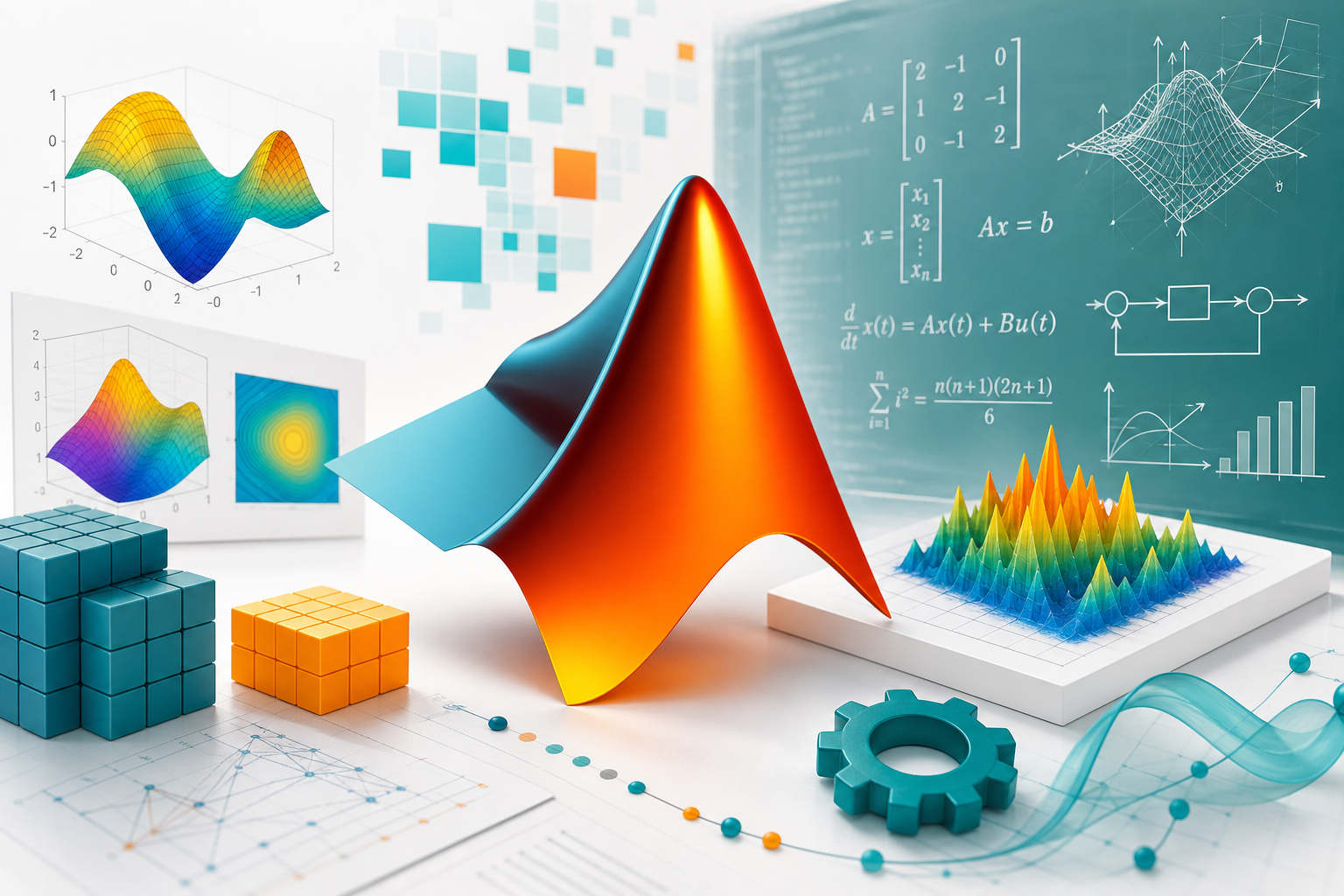
- A strong MATLAB syllabus sequences matrix operations and scripting before numerical methods, Simulink, and applied ML.
- Expect 17 modules: matrices, plotting, linear algebra, statistics, signal/image processing, and Simulink fundamentals.
- MATLAB skills matter most alongside a domain: engineering, data science, or control systems, not in isolation.
- Book a free Asmorix demo to match this syllabus to weekday or weekend batches in Chennai.
This MATLAB course syllabus is a complete module checklist for learners who want to go from matrix and scripting fundamentals to numerical methods, Simulink, and applied machine learning, with a real-time project focus. Use it to compare institutes, plan self-study, or map labs before you join Data Science Course in Chennai. Related paths include Data Science Course Syllabus, Power BI Course Syllabus, and Azure Data Factory Course Syllabus.
A complete MATLAB syllabus should cover matrices and scripting, plotting, linear algebra, numerical methods, signal or image processing, and Simulink — not basic plotting alone.
Quick Overview
| Item | Details |
|---|---|
| Course focus | MATLAB for engineering computation, data analysis, and simulation |
| Modules | 17 core modules + real-time project guidance |
| Level | Beginner to intermediate applied computing |
| Who it is for | Engineering students, researchers, and analysts who need numerical computing skills |
| Key outcomes | Write MATLAB scripts, perform numerical/statistical analysis, use Simulink, apply basic ML |
| Prerequisites | Basic math comfort is helpful; no prior programming experience required |
| Training options | Classroom and live online batches in Chennai with placement support |
Who Should Follow This MATLAB Syllabus?
This MATLAB syllabus suits engineering students, researchers, and working professionals who need numerical computing, data analysis, or simulation skills for academic or industry projects. Absolute beginners can start at Module 1. If you already know another programming language, you can move faster into linear algebra and Simulink.
Module 1: Introduction to MATLAB
- MATLAB environment and interface overview
- Command window, workspace, and script editor
- Basic arithmetic and variable assignment
- MATLAB as a tool for engineering and data analysis
- Career relevance of MATLAB skills
Module 2: Matrices & Arrays
- Creating vectors and matrices
- Matrix indexing and slicing
- Matrix operations: addition, multiplication, transpose
- Element-wise versus matrix operations
- Built-in functions for matrix manipulation
Module 3: Programming Constructs in MATLAB
- Scripts versus functions
- Conditional statements: if / elseif / switch
- Loops: for and while
- Logical operators and vectorized conditions
- Writing and calling custom functions
Module 4: Data Types & Structures
- Numeric, character, and string data types
- Cell arrays and their use cases
- Structures for organized data
- Working with tables for tabular data
- Data type conversion functions
Module 5: Plotting & Visualization
- 2D plotting: plot, scatter, bar, histogram
- 3D plotting: surf, mesh, contour
- Customizing plots: labels, legends, colors
- Subplots and figure management
- Exporting plots for reports
Module 6: File I/O & Data Import
- Reading and writing text and CSV files
- Importing Excel data
- Working with .mat files
- Reading data from external logs and sensors
- Data cleaning basics in MATLAB
Module 7: Linear Algebra with MATLAB
- Solving systems of linear equations
- Eigenvalues and eigenvectors
- Matrix decomposition: LU and QR overview
- Determinants and inverses
- Applications in engineering problems
Module 8: Statistics & Data Analysis
- Descriptive statistics functions
- Probability distributions in MATLAB
- Curve fitting and regression
- Hypothesis testing functions
- Data preprocessing for analysis
MATLAB rewards vectorized thinking. Before writing a loop, ask whether the same operation can be done on the whole array at once.
Module 9: Symbolic Math Toolbox
- Symbolic variables and expressions
- Solving algebraic and differential equations symbolically
- Simplification and substitution
- Plotting symbolic functions
- Converting symbolic results to numeric form
Module 10: Numerical Methods
- Root-finding methods: fzero and fsolve
- Numerical integration and differentiation
- Interpolation techniques
- Optimization functions: fminsearch and fminunc
- Error analysis in numerical computations
Module 11: Signal Processing Basics
- Signal generation and sampling
- Fourier Transform (FFT) basics
- Filter design fundamentals
- Signal visualization techniques
- Applications in real-world signal analysis
Module 12: Image Processing Basics
- Reading and displaying images
- Image transformations: resize, rotate, crop
- Filtering and edge detection
- Color space conversions
- Basic image segmentation techniques
Module 13: Simulink Fundamentals
- Simulink environment overview
- Building block diagrams
- Simulating dynamic systems
- Connecting MATLAB and Simulink
- Use cases in control systems
Simulink is frequently the deciding skill for control systems and embedded engineering roles. Do not skip it even if your primary interest is data analysis.
Module 14: Machine Learning with MATLAB
- Classification Learner app overview
- Regression models in MATLAB
- Clustering techniques
- Model evaluation in MATLAB
- Exporting trained models
Module 15: App Building & Automation
- MATLAB App Designer basics
- Automating repetitive tasks with scripts
- Creating custom toolboxes
- Packaging MATLAB code for sharing
- Integrating MATLAB with Python overview
Module 16: Performance Optimization
- Vectorization for speed
- Preallocation of arrays
- Profiling MATLAB code
- Parallel computing basics with parfor
- Memory management best practices
Module 17: Real-Time Project
Capstone delivery follows a structured project flow used in placement-oriented MATLAB training.
- Problem definition and data collection
- Data import and preprocessing in MATLAB
- Method selection: statistical, numerical, or ML
Phase 1
- Exploratory analysis and visualization
- Model or simulation setup
- Initial results review
Phase 2
- Refinement of the model or numerical method
- Performance tuning and validation
- Simulink integration where applicable
Phase 3
- Final visualization and reporting
- Documentation of methodology
- Presentation of results and findings
How to Use This Syllabus
Bring this MATLAB course syllabus to counseling and ask which labs map to each module, which datasets or systems you will practice on, and how many mentor review cycles you get on your scripts. Confirm coverage for numerical methods, Simulink, and applied machine learning before you enroll. For batch timings, fees, and placement-oriented MATLAB training in Chennai, visit Data Science Course in Chennai with Placement.
Related Courses & Syllabus Guides
After MATLAB, many learners broaden their analytical or engineering skills with these Asmorix paths:
- Data Science Course in Chennai — classroom and live online batches with placement support
- Data Science Course Syllabus — Python-based data science companion path
- Power BI Course Syllabus — dashboard and reporting specialization
- Azure Data Factory Course Syllabus — data engineering pipeline skills
Frequently Asked Questions
What does the MATLAB course syllabus cover?
It covers MATLAB fundamentals, matrices and arrays, programming constructs, plotting, file I/O, linear algebra, statistics, symbolic math, numerical methods, signal and image processing basics, Simulink, and applied machine learning with a real-time project.
How many modules are in this MATLAB syllabus?
This reference plan has 17 modules plus a phased real-time project, covering core MATLAB through Simulink and applied ML orientation.
Do I need a math or engineering background for MATLAB?
A math or engineering background helps, especially for linear algebra and signal processing modules, but the syllabus introduces concepts with applied examples rather than pure theory.
Is Simulink covered in this syllabus?
Yes, as a dedicated module covering the Simulink environment, block diagrams, and simulating dynamic systems, which is common in control systems and engineering domains.
Is MATLAB useful for data science?
Yes. MATLAB includes statistics, curve fitting, and machine learning toolboxes that support classification, regression, and clustering, making it a viable alternative to Python in some engineering-heavy organizations.
What projects should be part of MATLAB training?
A data analysis or modeling project that includes data import, statistical or numerical analysis, visualization, and a clear report is a strong capstone project.
Is image or signal processing included?
Yes, at an introductory level, covering signal generation, Fourier Transform basics, image transformations, and basic segmentation techniques.
Where can I join MATLAB training in Chennai?
Asmorix offers mentor-led MATLAB training with placement support. Book a free demo to match this syllabus to your background and preferred batch timing.
